
Registering a new AGM or EFB battery using a diagnostic tool.This is a critical procedure in modern cars (especially with Start-Stop systems) to tell the control module (BMS - Battery Management System) that the battery is new and to adapt the charging process to its characteristics.
Why is registration necessary? If you do not register the battery, the car will charge it as the old (worn out) battery, which drastically shortens the life of the new one (it is possible for an AGM/EFB battery to wear out in 6-12 months).
LAUNCH Registration Steps (General Procedure) Preparation: Make sure the new battery is of the same type (AGM -> AGM, EFB -> EFB) and capacity (Ah), unless a different type is coded. Connection: Plug the LAUNCH diagnostic into the vehicle's OBD2 port and turn on the ignition (without starting the engine). Brand Selection: Select the car brand (e.g. BMW, Audi, VW, Mercedes). Automatic Search/System: Select "Automatically Search" or manually enter "Gateway" / "Body" / "Electric" or "BMS" (Battery Management System). Special Functions: Go to the special functions menu and select "Battery Replacement", "Register Battery Replacement" or "Battery Matching". Data entry: Manufacturer: Select the manufacturer of the new battery (if not Varta/Exide, often select "Other" or "VAG" for German cars). Capacity: Confirm Ah (e.g. 70Ah, 80Ah, 95Ah). Type: Select AGM or EFB. Serial number: If requested, enter a new number (often it is enough to change only one digit of the old number). Confirmation: Press "OK" or "Confirm" to complete the registration. The device will display a message about successful coding.
Call now!
Varna, 132 Vladislav Varnenchik Blvd.
0898 237 614 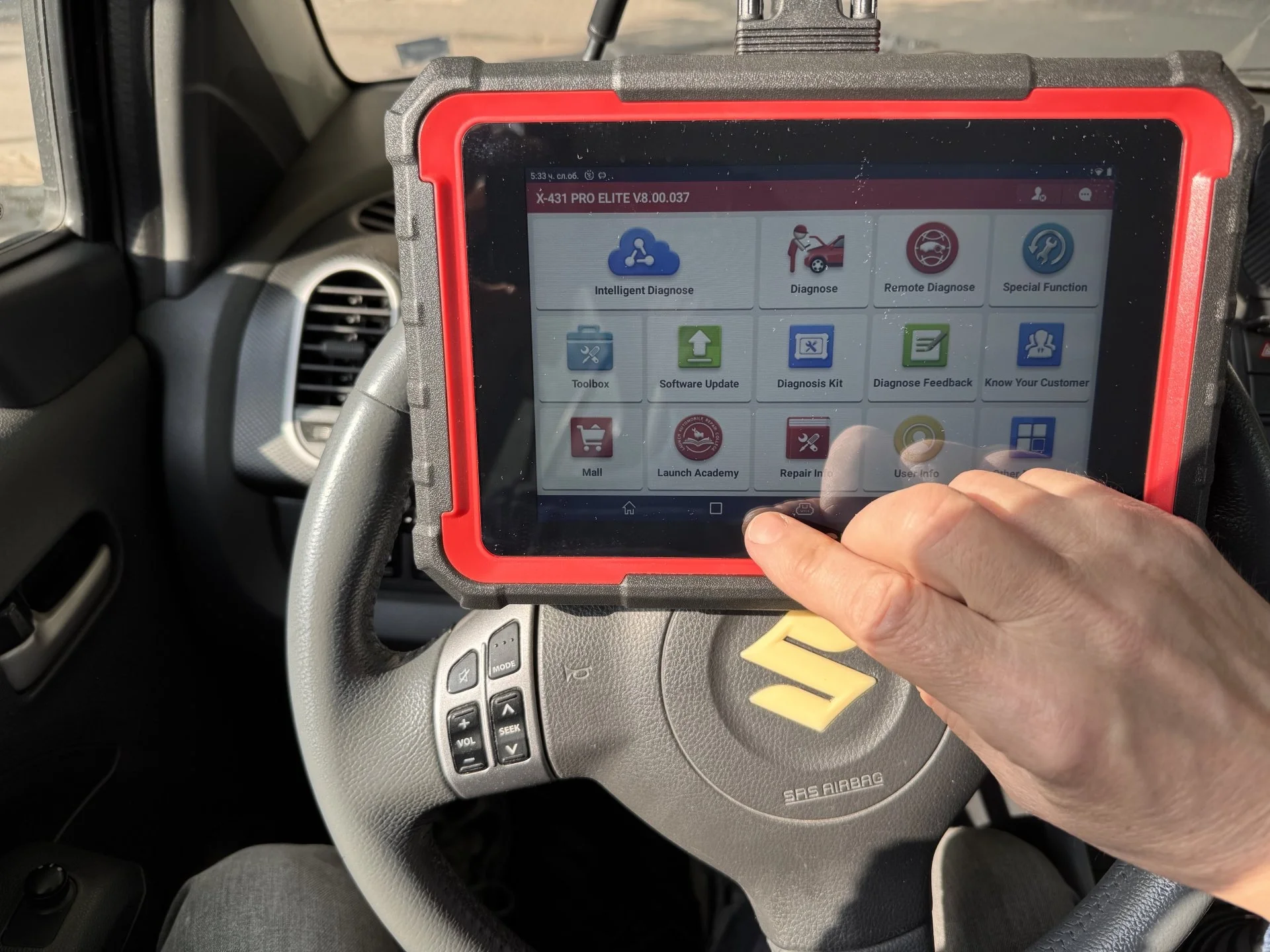 |




 Installation, service and diagnostics
  Free delivery over 120 €




